Croc Definitive Edition
Croc: Definitive Edition is a modernised source port of Croc! Legend of the Gobbos, based on the original PC source code, which surfaced via a leak. This project restores the game for modern systems while fixing long-standing issues from the 1997 release.
This was used as the base for the Croc Remaster.
Downloads
I cannot provide download links; however, details of the relevant files are provided below:
| File | Size | SHA1 |
|---|---|---|
| CrocSetup.exe | 193634545 | 2f5c27ddbbf01b2ef6d26f8883a8e0f7c6217678 |
| croc64-1.2.0-setup.exe | 197210851 | b49e55aa2309ef48b21a77378e97e028cf36b866 |
| croc64-1.2.0.tar.xz1 | 197107512 | f61ff5fa042bc8ae5f7ce7c5904434a064bd927b |
| croc64-1.3.0-setup.exe | 197332577 | a9f1384283618b0b75b197587dfc2688854e9177 |
| croc64-1.3.0.tar.xz | 197222388 | eea034bf01d3f7f3bd09757bfd7253f1155007d7 |
⚠️ Disclaimer
If you come across ZIP copies, do not download them. They have been incorrectly repacked, and crash upon launch.
Known bad files:
- Croc Legend of the Gobbos - Definitive Edition 1.0.0.zip, 178.07 MB
- Croc Legend of the Gobbos - Definitive Edition 1.2.0.zip, 181.52 MB
- Croc Legend of the Gobbos - Definitive Edition 1.3.0.zip, 180.65 MB
Screenshots
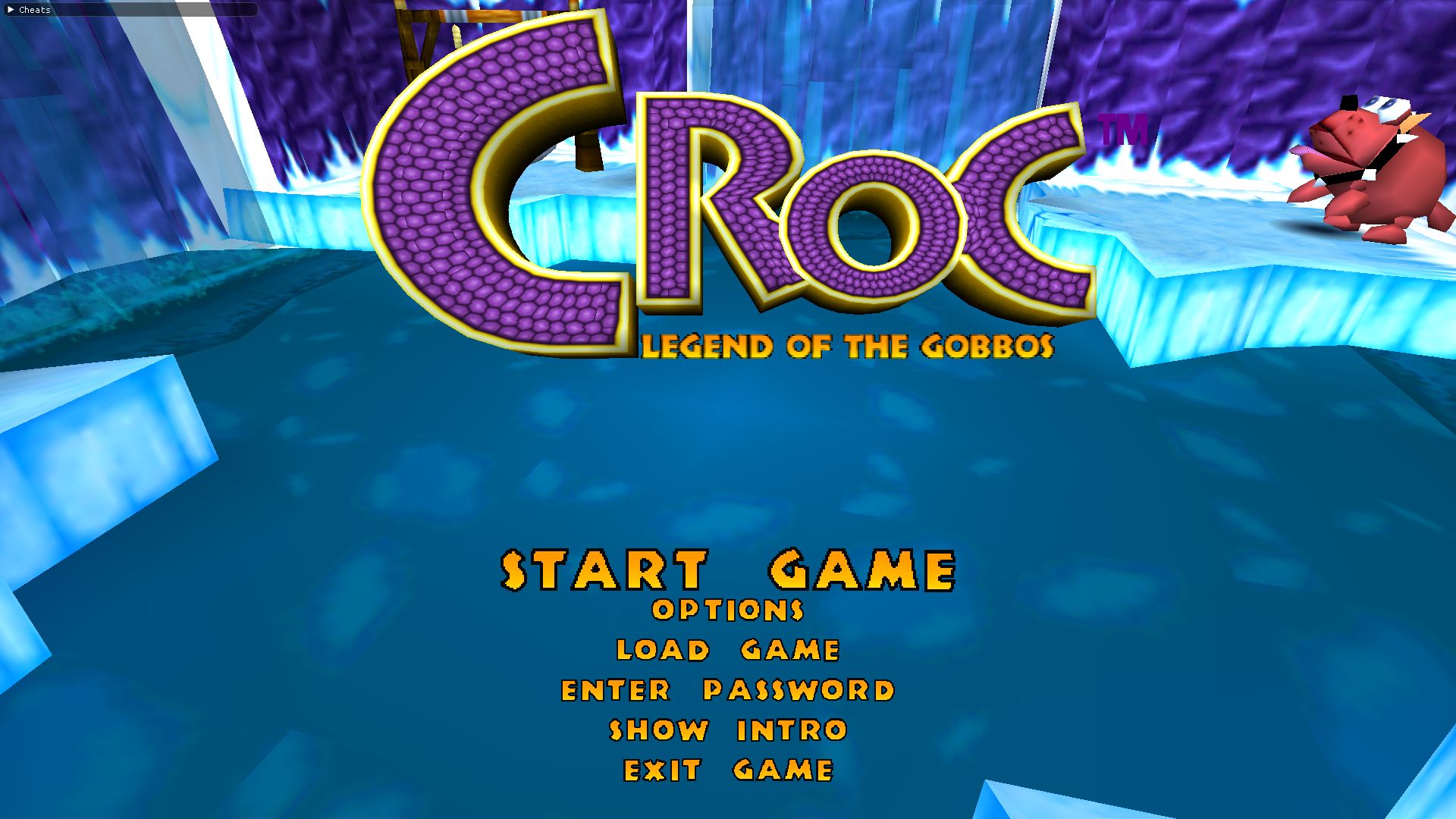
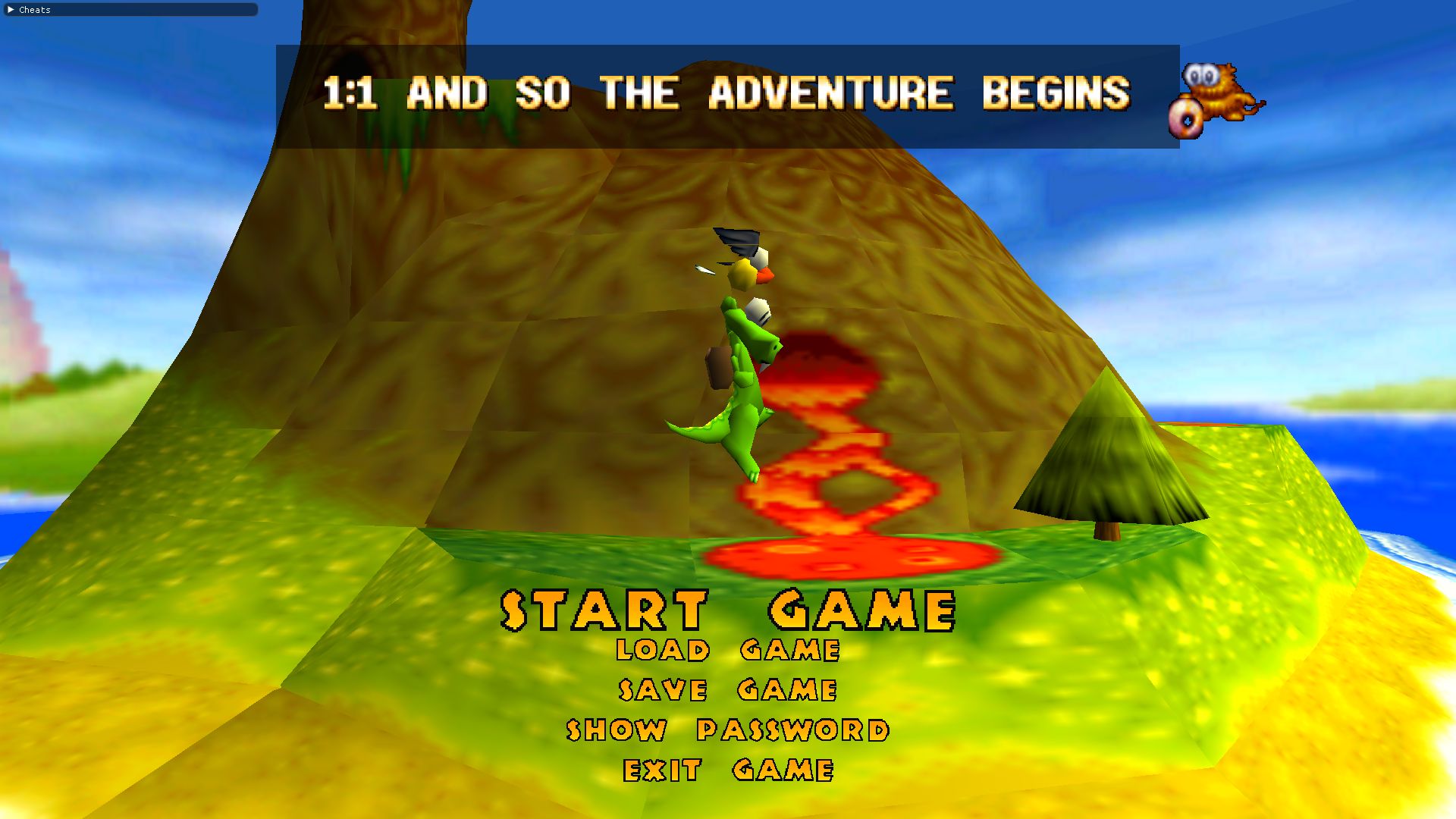
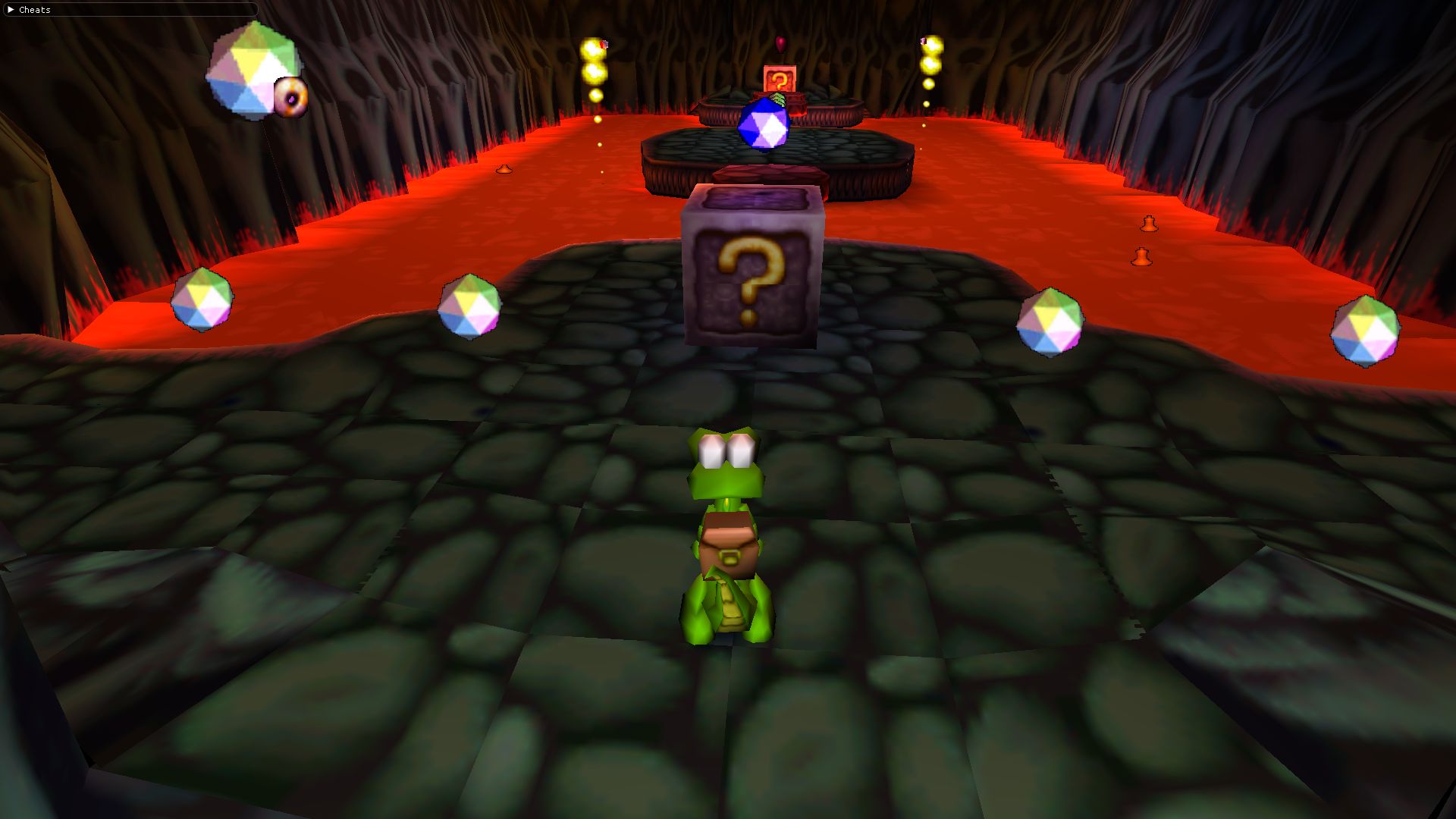
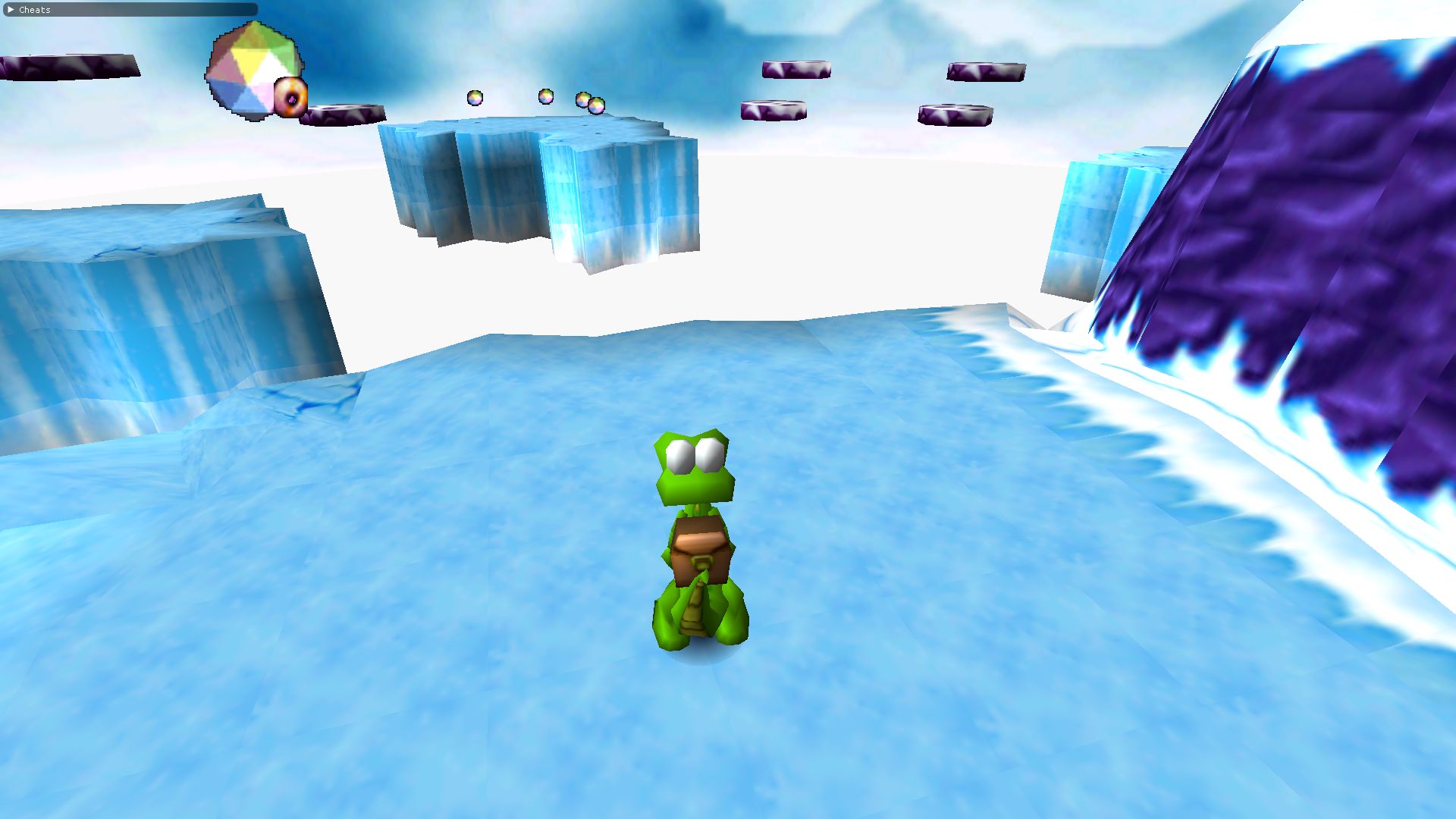
Changelog
Version 1.4.0 – (Unreleased, Seed for Croc Remaster)
- Fix a crash that occurred when you entered and quit the second level of “The Ice of Life”.
- Update to public BRender.
- Port to SDL2 from glfw3.
- Optimise window resizing.
- Remove the concept of “screen modes”. The game now defaults to the desktop size, and can be resized manually as required.
- Add ALT+ENTER to toggle between fullscreen/windowed mode.
- Fix incorrect alignment on memory allocations.
- Fix potential poor performance in caves.
- Remove dependency on OpenAL-Soft.
Version 1.3.0
- Allow skipping intros via the configuration file (
SkipIntros=[0|1]) - Support disabling the “Start Game” wiping-star effect (
DisableWazzy=[0|1]) - Support disabling music loading (
DisableMusic=[0|1]) - [Windows] Enable LTO
- [Linux] Use system GLFW, requires a minimum of 3.3.2
- [Linux] Set application icon
- Resurrect the old PSX/Saturn analogue controller support (
PadMode=[0|1|2])PadMode=0- Legacy controller support, matches that of prior releases.PadMode=1- Controller-only, matches the “analogue” mode of the PSX release. Disables keyboard movement.PadMode=2- Combined keyboard/controller mode (default). The keyboard controls don’t change, and the controller is in analogue mode.
- Fix control layout in options menu
- Load music, ambient, and intro tracks from the filesystem instead of WADs
- Fix mipmapping
- Add mipmapping configuration option (
MipmapFiltering=[0|1]) - Support anisotropic filtering
- Add
-map <path/to/MPXXX_XX.MAP>command-line argument - Attempt to load shaders from disk before WAD
- Fade-in when “Show Intro” is selected
- Add new loading screen from the Tech Demo (
LoadImage=[0|1]) - Add static “Is Loading” variable. The address is printed to stdout at launch
- Fix sky visibility in dark levels
- Fix reflections in Demon Itsy’s boss fight
- Fix underwater electricity rendering
- Restore ambient lighting, now matches that of the PSX version
- Use higher-quality application icon
- Support resizing of the game window
- Fix inactive panel object positions
- Various bug/crash fixes
- Fix the occasional desert music in cave levels.
- Restore reverb effects
Version 1.2
- Add portable mode
Version 1.1
- 64-bit support
- Linux support
- Unicode paths are now handled correctly
- Fixed the alpha box beind level titles flashing
- Fixed an OpenAL sound handle leak
- Controller fixes
- Various bug fixes
- Use per-vertex instead of per-fragment lighting
- Removal of 32-bit support
Version 1.0
- Initial release
A second archive with the same filename exists (Size:
196999368, SHA1:58d91c3a5bdeebe410e51603fadddc404e55465a). Its contents are identical; only the archive metadata differs. ↩︎